
Everything you need to finish a book, and an editor’s eye for the parts you’d rather not reread.
Grouped by the step where you’ll meet it. Where a feature has a help page, it links there. Anything not built yet says so.
Step 1
Plan

Tips at every step
Best practices and short craft notes for Plan, Outline, Write, Review and Finish, so you are never alone with a blinking cursor.
Help: Getting startedGuided questions
Premise, protagonist, situation and ending, one question at a time. Skip any you like.
The things people forget
A checklist of the usual suspects, like narrative distance, voice and style, so they come up now and not in the third draft.
Characters, places and lore
Record who they are, what drives them, how they sound, and how your world works. It stays organized and opens beside the page while you write.
Step 2
Outline
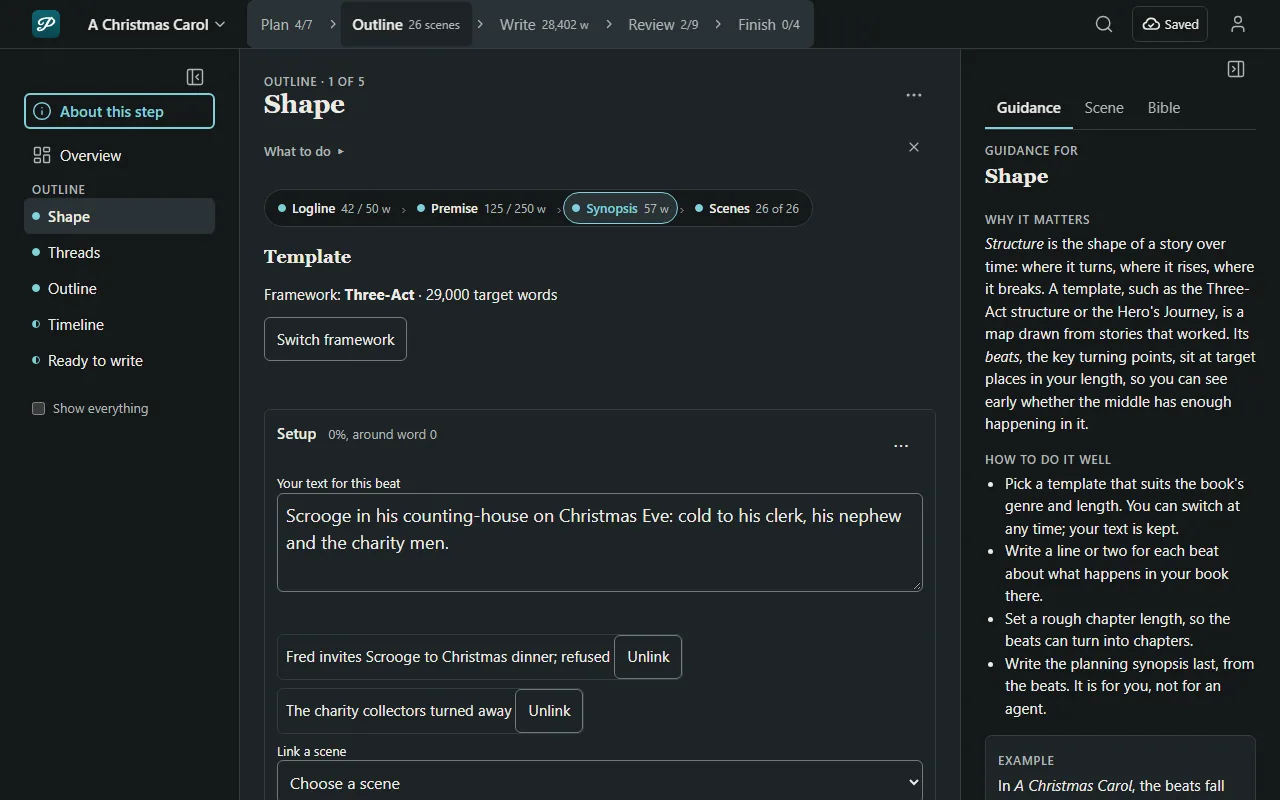
Structures that help, not rule
Pick a story structure or a general template, or start blank. Add subplots and a timeline. All of it supports the outline and none of it locks it.
Chapters and scenes
Shape the plan into chapters and scenes you can put in order.
Threads you can see
The braid lays every thread against the chapters and warns when one goes quiet for too long.
A timeline
See when things happen across the whole book, and notice that nobody can be in Paris and Prague on the same Tuesday.
Step 3
Write
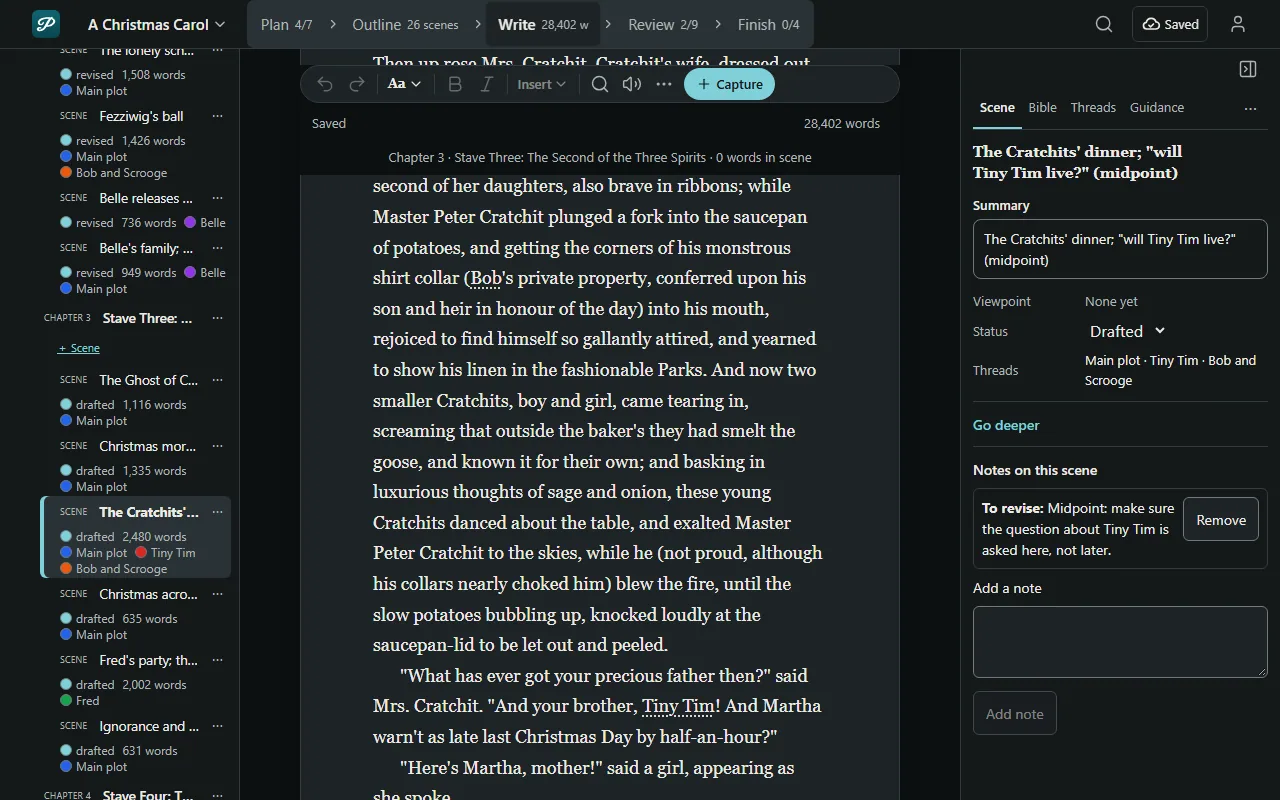
A quiet paper page
Type the book with your whole plan one tab away.
Help: Write a sceneYour lore, in two taps
Peek at a character or a place without leaving the scene. No more hunting through six notebooks.
Write on your phone
Every step fits a phone screen. The book is built to stay on the phone and keep working with no signal; we are still testing that on real phones.
Both versions, never one lost
If your phone and your computer disagree about a scene, it shows you both versions instead of picking one.
Step 4
Review

Guided passes
Nine passes from the big picture down to commas, each a checklist that catches slips like a professional editor would, such as a name spelled two ways or a timeline that quietly breaks.
Tools that explain
Each Review tool says what it counted, and when the pattern is fine to keep.
Beta readers, by link
Send each reader their own link. They leave comments and can answer your questionnaire. The link expires on the date you set, and you can revoke it any time.
Groups and editors
Feedback from writing groups and editors, each with tools of its own. Coming; not built yet.
Step 5
Finish

Title, copy and front matter
Write your title, selling copy and front matter, then finish the manuscript.
Preview before you publish
See the book as an ebook on an e-reader, a phone and a tablet, and as print pages at the trim size you pick.
Word, EPUB and PDF
Export to Word and EPUB. Save a print PDF from a computer, in Chrome or Edge.
Take everything, any time
Download every word as one zip file you can restore from, even if you pause or stop using Path of Prose. No hoops to jump through.
Help: Download everything